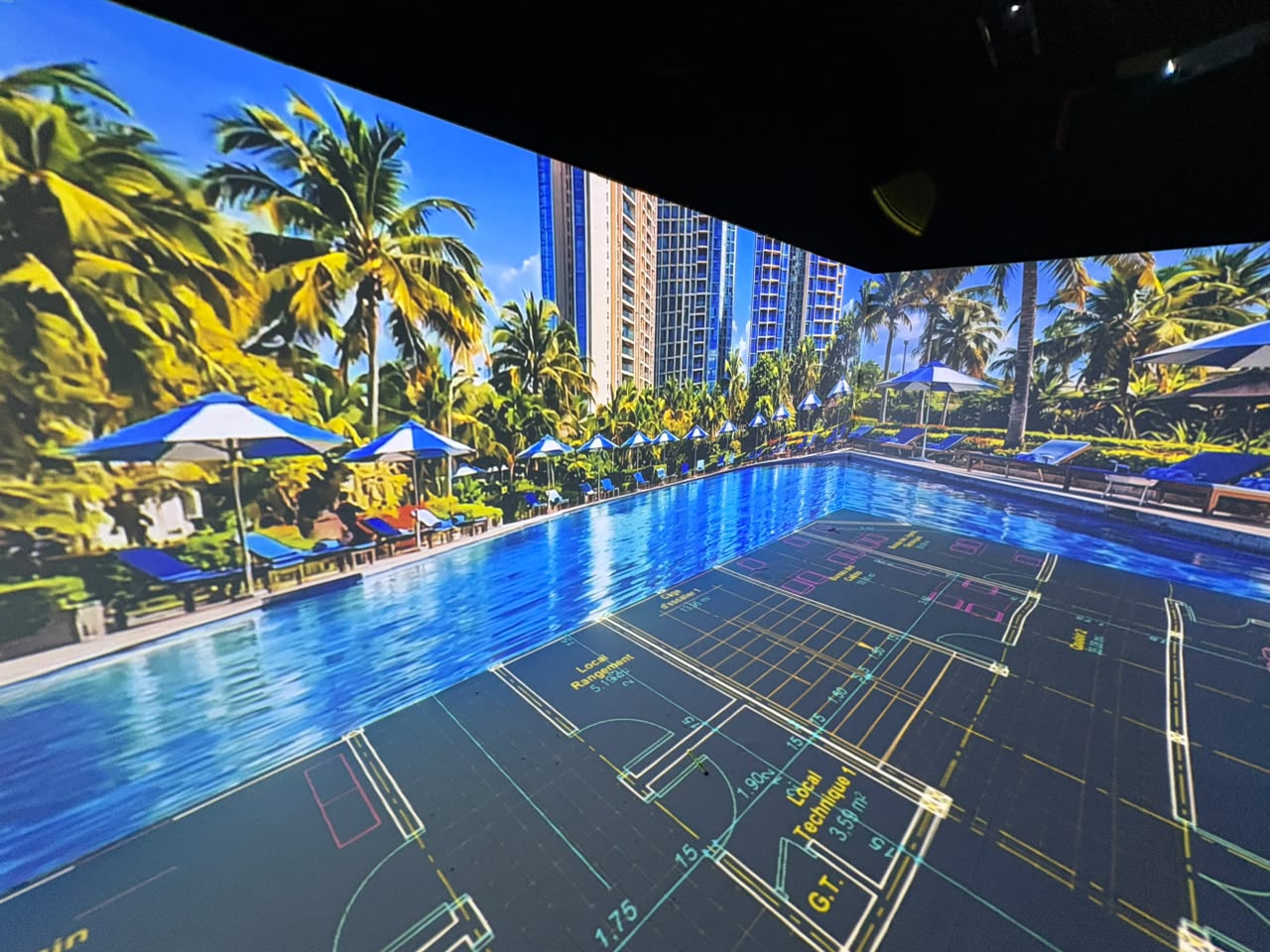
Design & Simulate
Plan and validate the visual experience before installation.
VIOSO EXAPLAY 3 media server
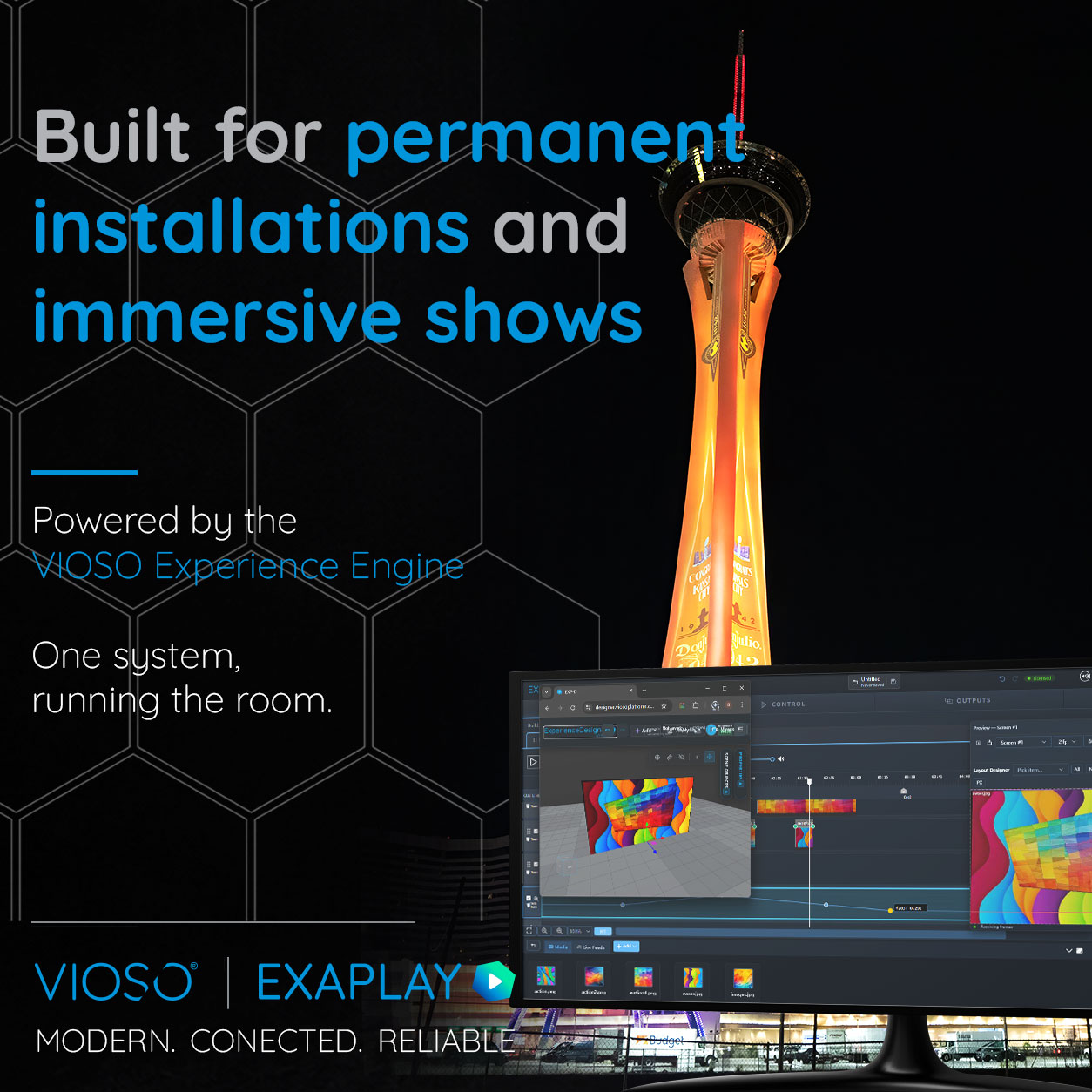
Built for the next generation of permanent installations.
Compose, control and operate complex visual experiences from a modern browser-based interface, with distributed playback, show control and VIOSO warp and blend built into one reliable platform.

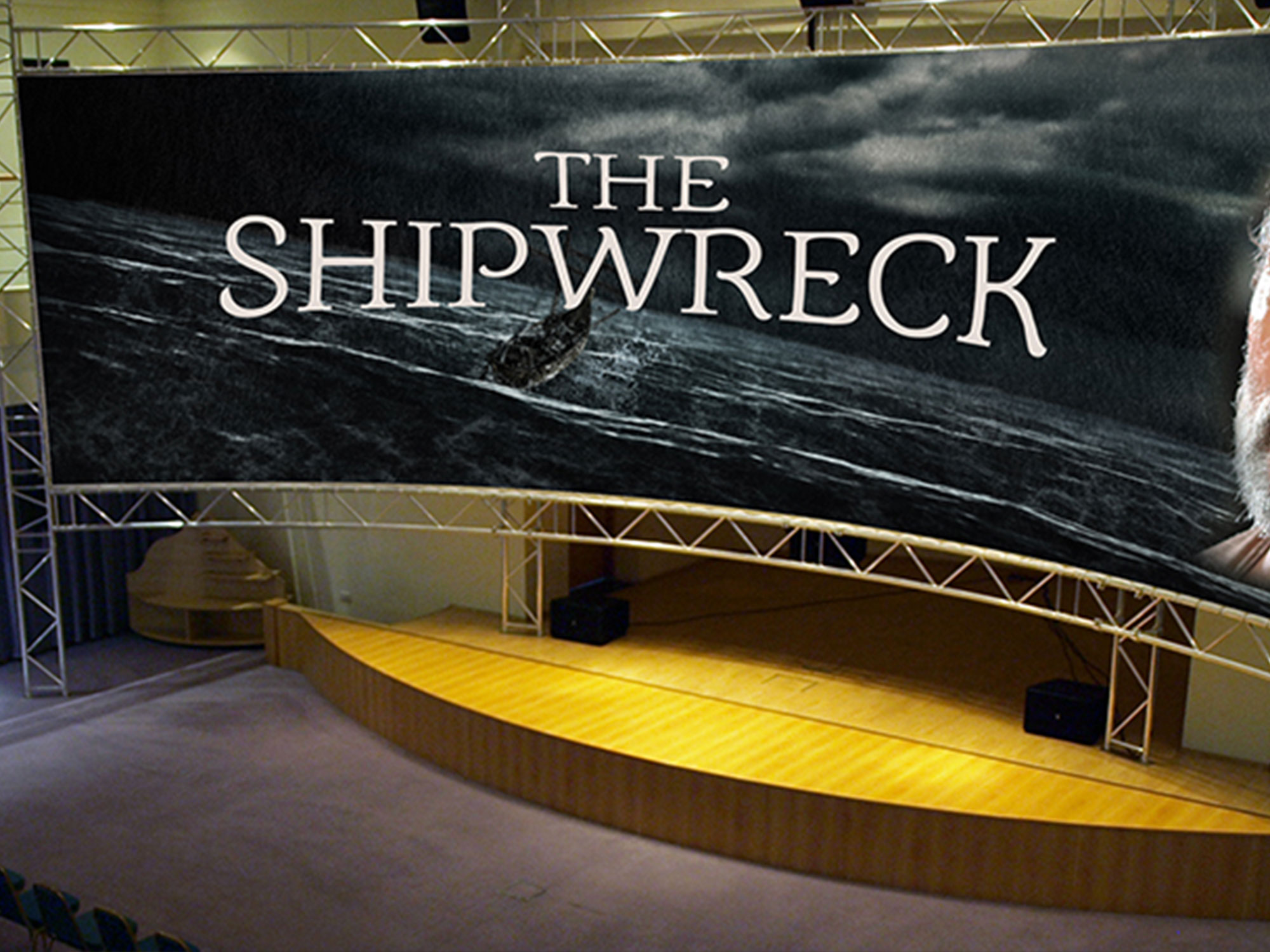
As part of the VIOSO ecosystem, you can plan your projection in VIOSO Experience Designer, then preview your content right inside that layout.
Compose video across any number of screens, projection-map with VIOSO warp & blend, drive lighting and automation with timeline Data Tracks over OSC, DMX and Art-Net, and synchronise multiple PCs frame-accurately from a single browser tab.
When something goes wrong at 3 a.m., the Auto-Heal watchdog quietly resumes the show. One system, running the room.
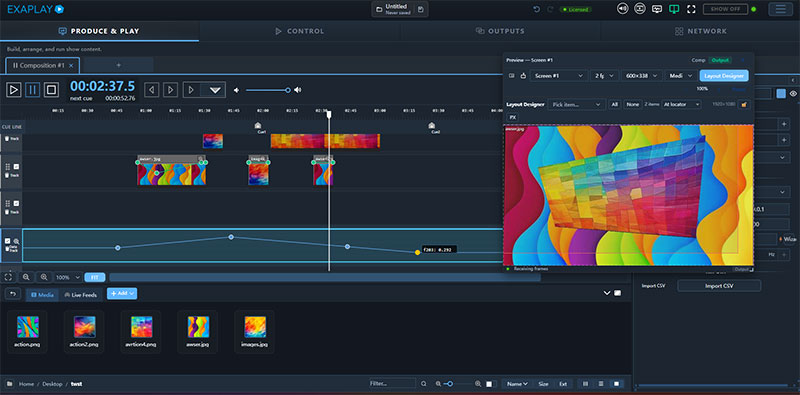
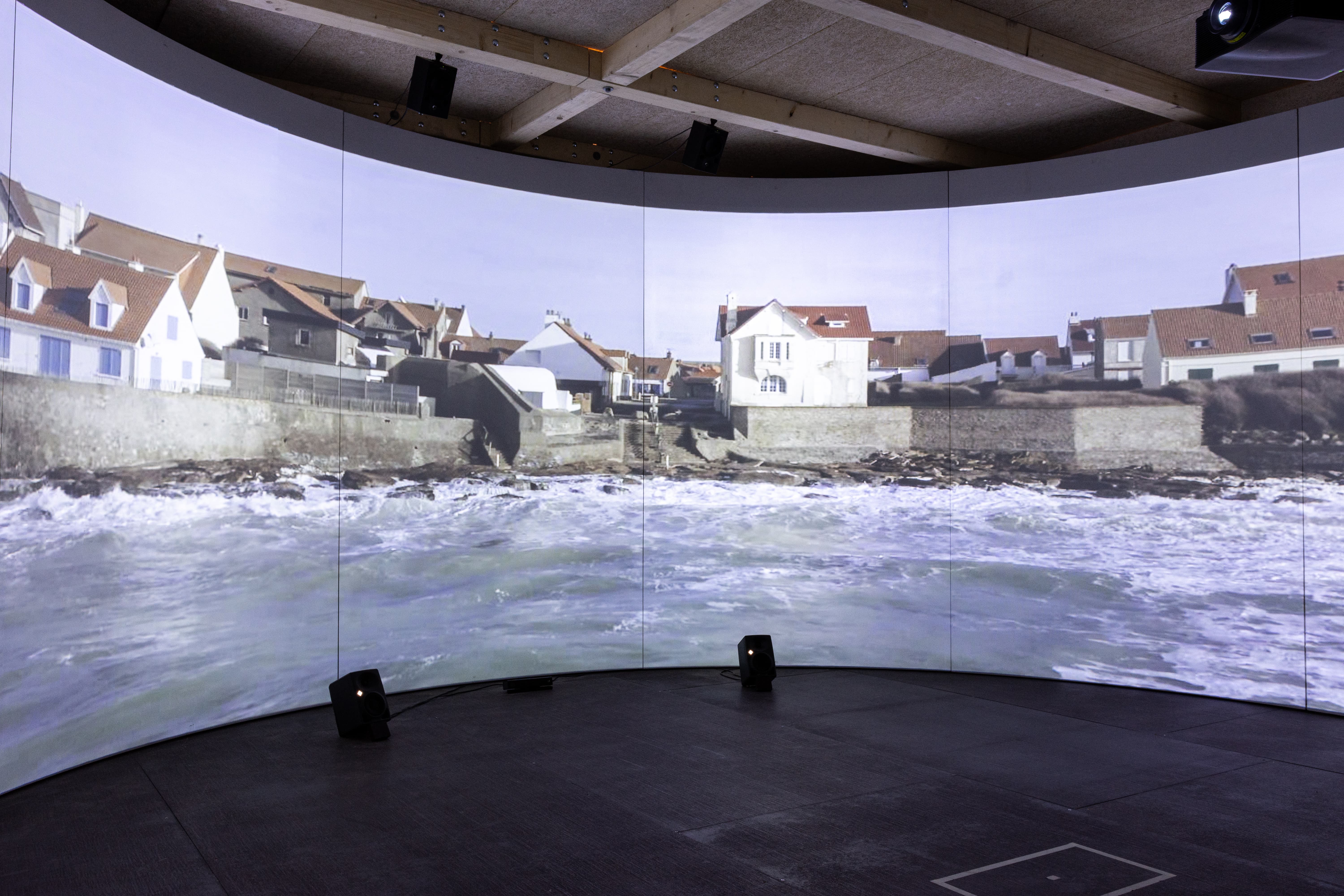
Multi-screen video, image, and live-input composition
HAP / HAP Q for 4K+ GPU decode
Frame blending, crossfades, blend modes, property keyframes
Real-time GPU effects (color key, luminance, chromatic aberration, dome looks
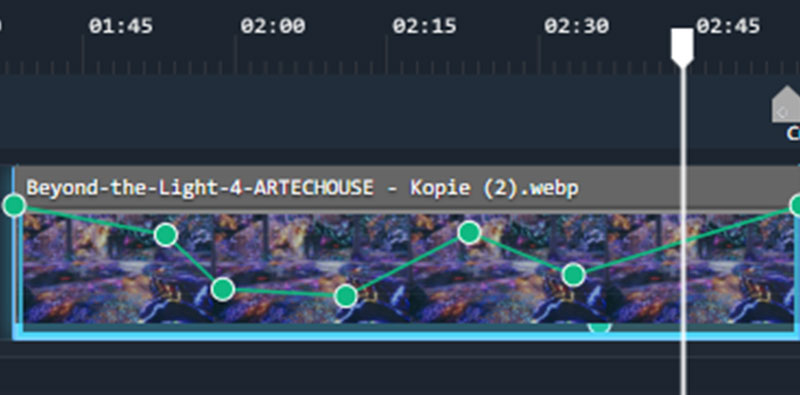
Data Tracks - keyframe curves on the timeline that emit values over OSC, UDP, TCP, Art-Net, or DMX, or drive Operator Control readouts
Timecode in/out: LTC, Art-Net, OSC
Fully compatible with ETC Eos, QLab, Medialon, Crestron etc
NDI receive/send, Spout input (zero-latency GPU texture share)
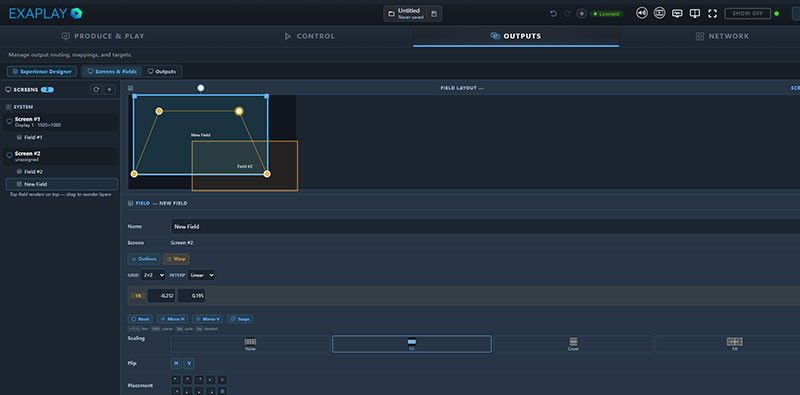
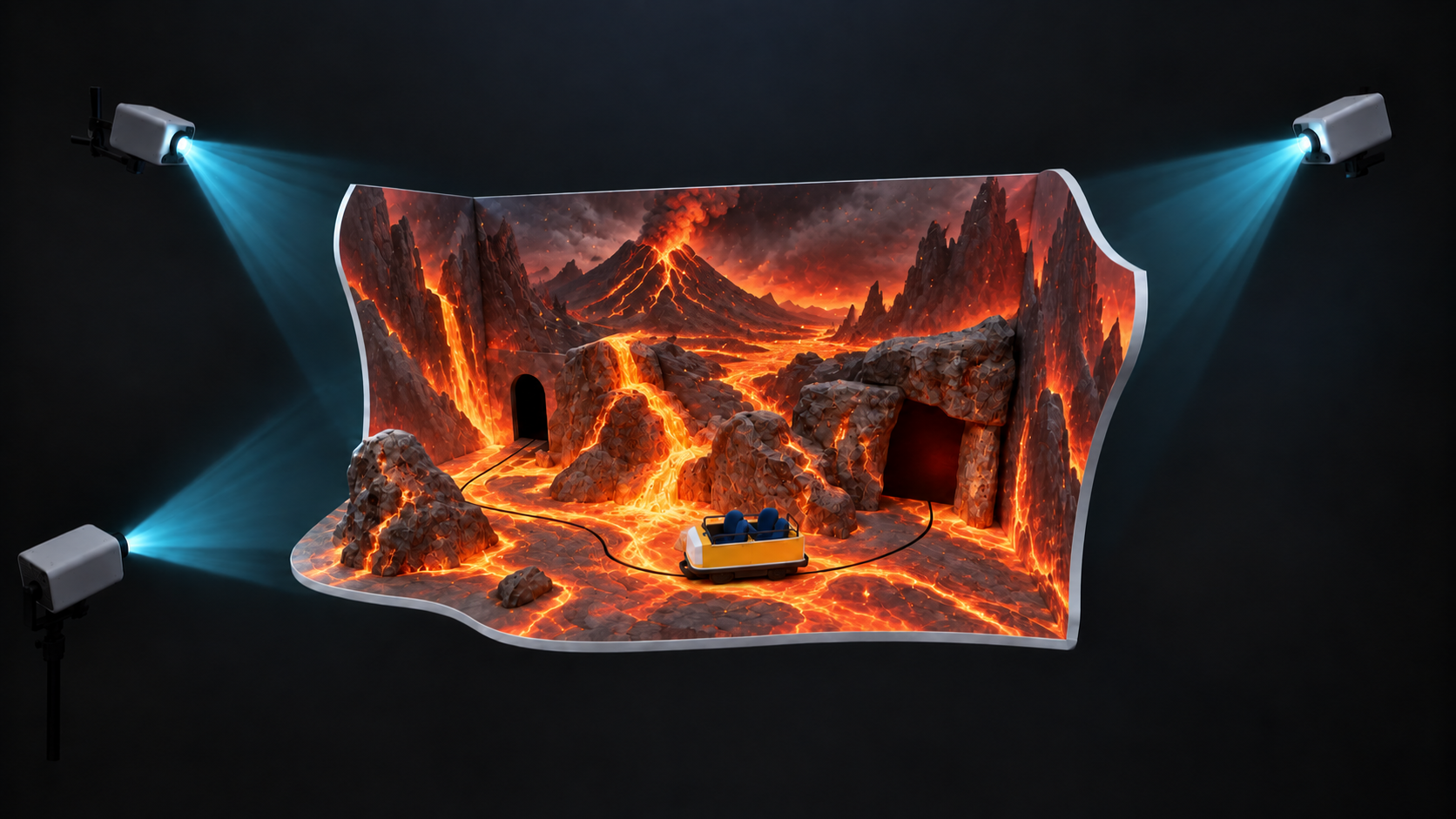
Warp and edge blend via VIOSO integration
Full Warp HTTP API for external calibration tools
Dome projection workflows (single fisheye and multi-projector ring)
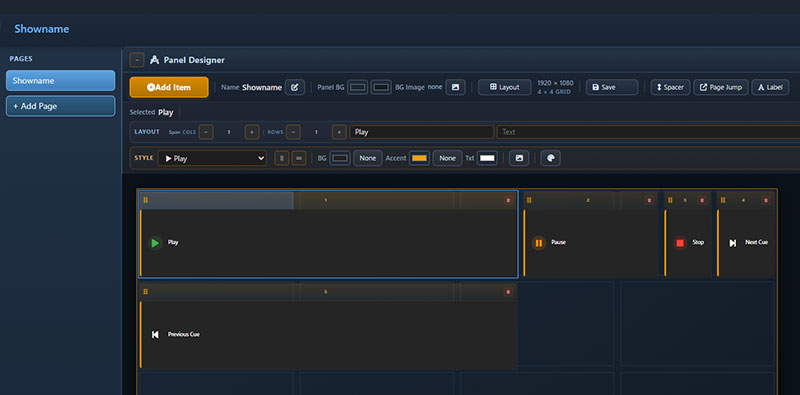
Browser-based Operator Control View - no installer for ops
User Panel Builder - touch-friendly buttons, sliders, exclusive-group scene switching for kiosks and front-of-house
Simple Mode — re-skinned vocabulary so non-technical staff aren’t seeing engineer’s UI
Cue lists with F-key hotkeys
Monitor tab for live network/protocol events
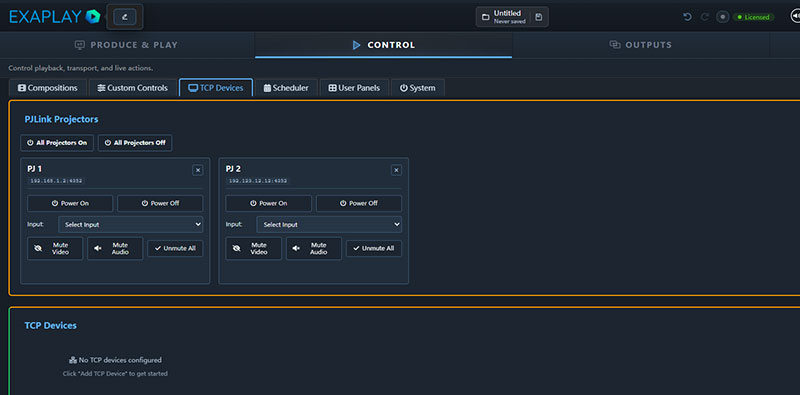
File browser with breadcrumb, search, drop-in upload
System tab: batch script execution, shutdown/restart
Project export as a portable ZIP (project + all media)
Network discovery of other Exaplay instances
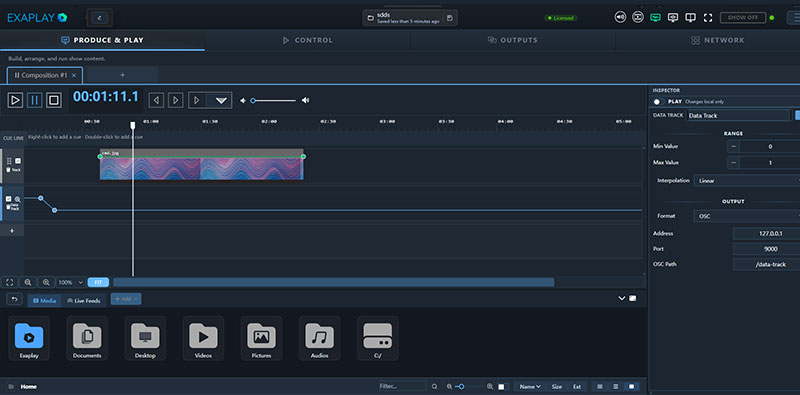
EXAPLAY 3 is built for the most demanding multi-channel applications, but designed to be light-weight and run on servers that do not carry the traditional price-tag
All new to EXAPLAY 3 is:
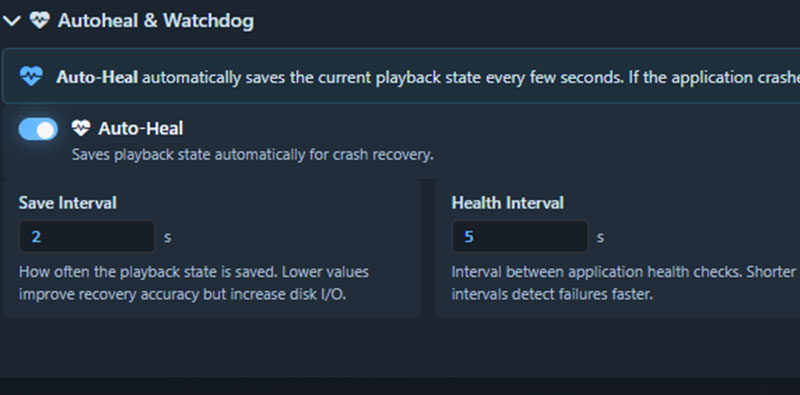
We know that rock-solid reliability is non-negotiable, so this is a cornerstone of our design philosophy.
With experience of calibrating some of the worlds biggest events over the last 20 years, we built in the functinality that we often heard people asking for.
Key realibity features built into EXAPLAY 3 include
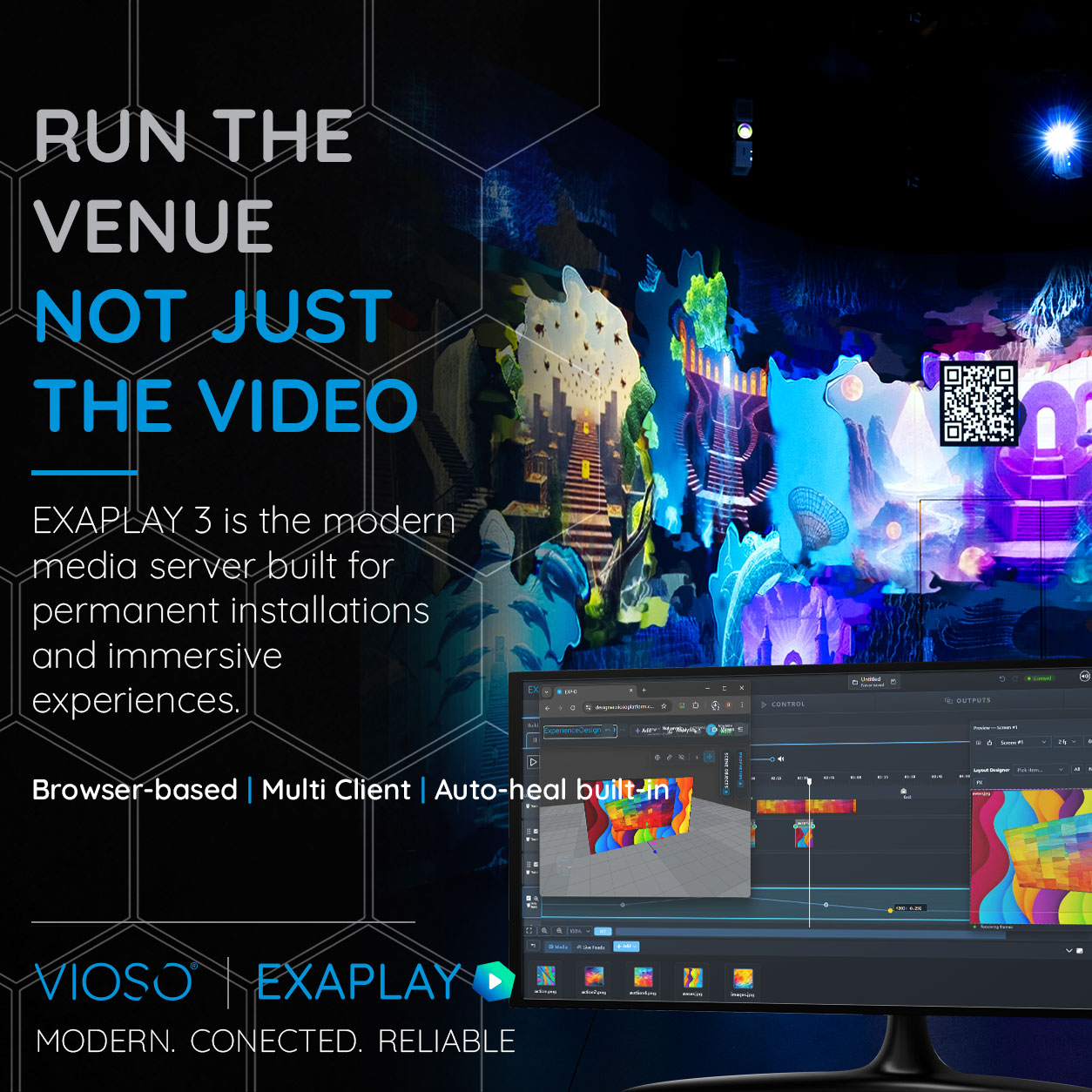
Many people still think of EXAPLAY as a playback tool. That may have been true a few years ago.
But EXAPLAY 3 has evolved into something much bigger — a full media server platform designed for permanent installations and immersive environments.
Multi-screen playback, distributed systems, projection mapping, show control, synchronisation and browser-based operation are now all part of the same workflow.
The focus has shifted from simply “playing content” to running the entire experience.
Run the venue. Not just the video.
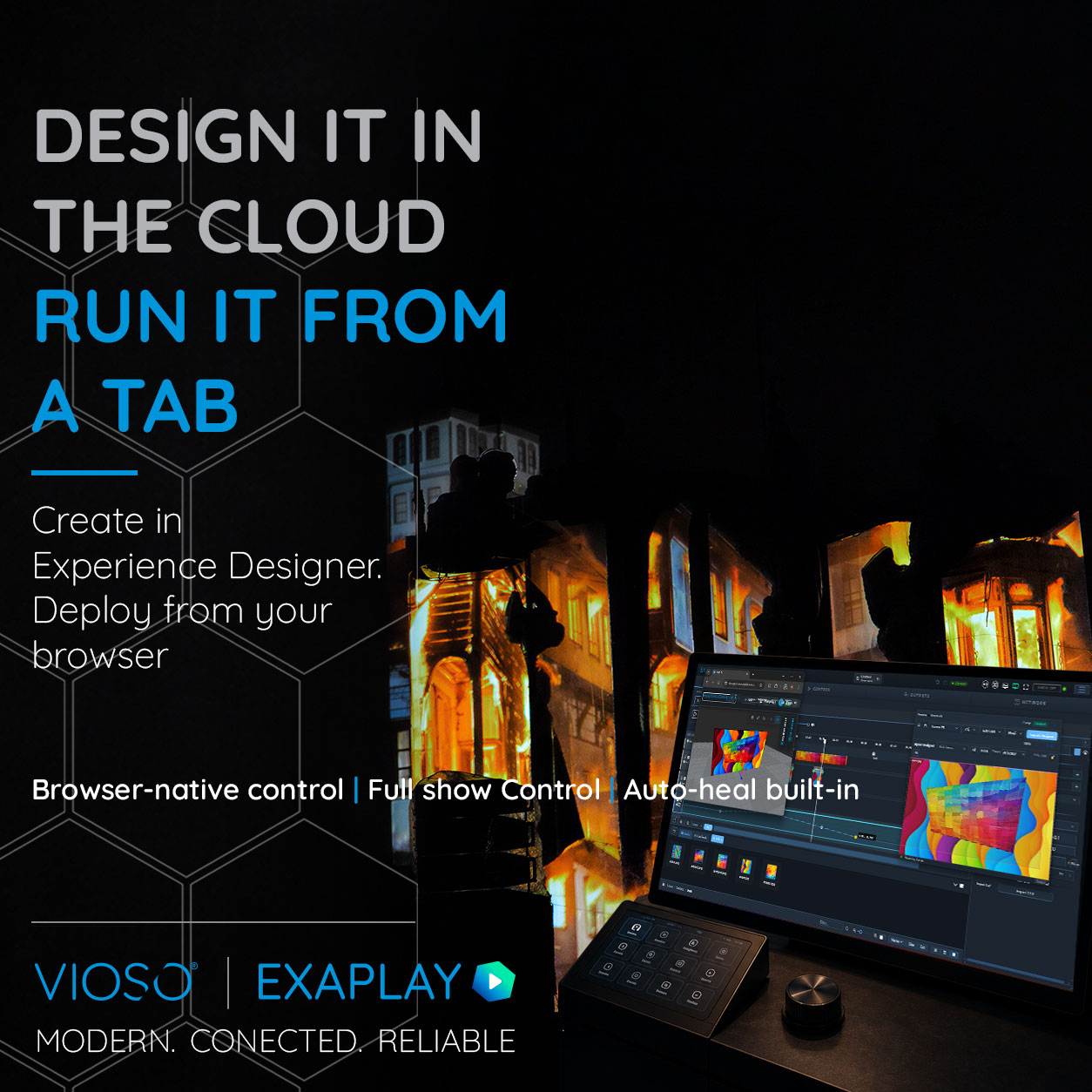
Planning, playback and show control have often lived in completely separate systems.
With EXAPLAY 3 and VIOSO Experience Designer, they finally work together as part of the same workflow.
Design and validate the projection system in the cloud, preview content before arriving on site, then move directly into playback and operation through the same browser-based approach.
No dongle-locked workstation. No operator installs. No disconnected tools between planning and playback.
Design it in the cloud. Run it from a tab.
Every VIOSO product supports a specific stage of the journey from concept to operation.
Plan and validate the visual experience before installation.
Align, blend and map the real-world system with precision.
Run content reliably across the finished installation.
Move naturally through the VIOSO workflow, or see how the technology is used in real installations.
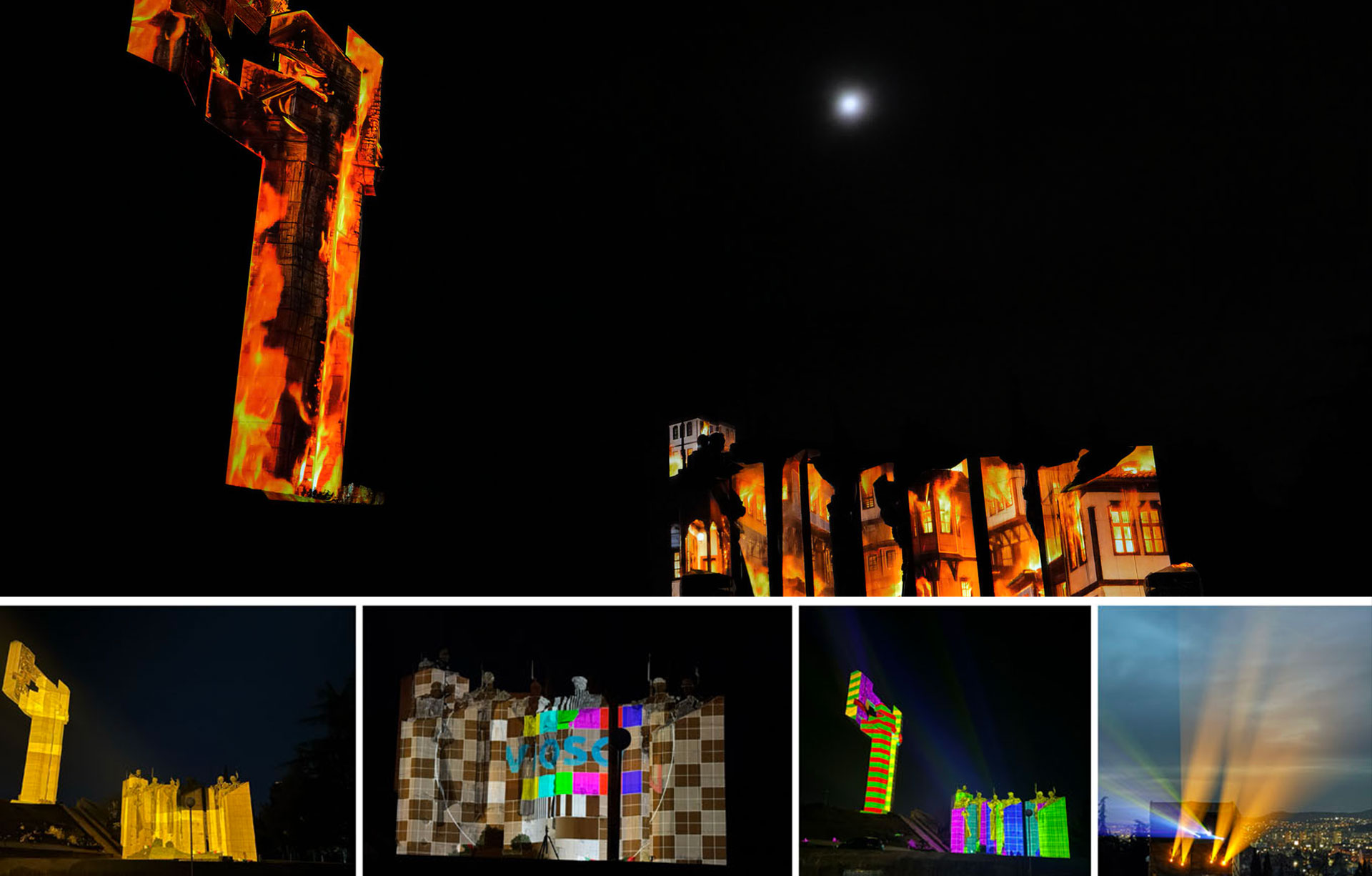
See how this VIOSO product has been used in real-world installations.