Free
€0/mo
Design & explore
- Generic projector library
- Up to 10 saved projects
- Generic screens
- LED screens
- Import plans from 3rd-party tools (FlyElise, Mapping Matter, DEF..)
- Basic photometric analysis
- Watermark link sharing
- 250 MB storage
Cloud-based projection design
You shouldn’t be solving design problems on-site.
Design, simulate and validate complex projection systems before installation, with physically accurate planning tools built for projection professionals.
 Best of Show · WinnerProjectorCentral · InfoComm 2026
€0/mo
Design & explore
€49/mo
Present & deliver
€129/mo
3 seats included · €43 / extra seat
Collaborate & share
For white-label branding, on-premise deployment, custom integrations, dedicated support, training, SLA requirements, or custom development, talk to us about a setup built around your workflow.
Experience Designer replaces this with:
Design → Simulate → Validate → Deploy
With Experience Designer you will:
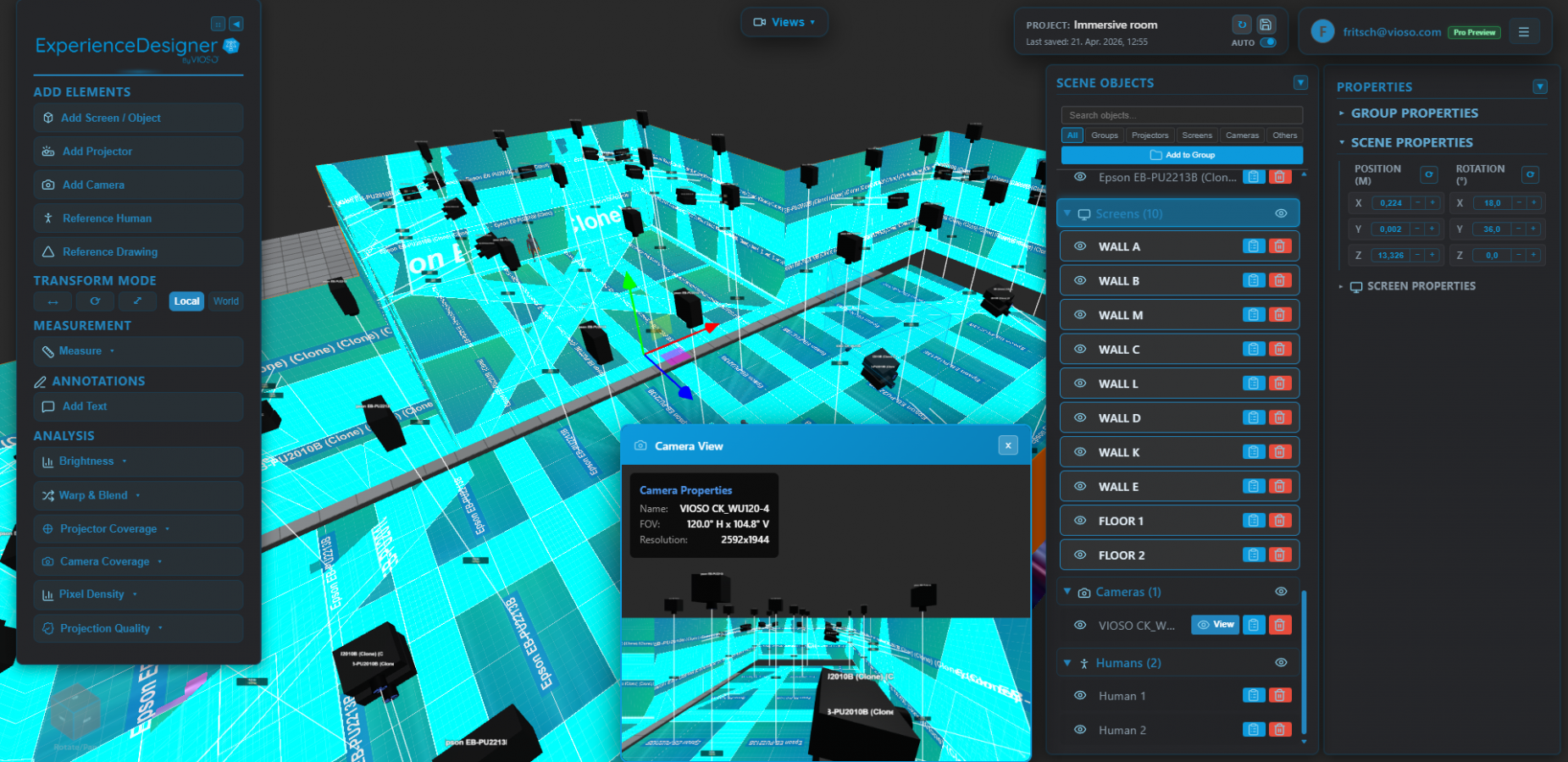
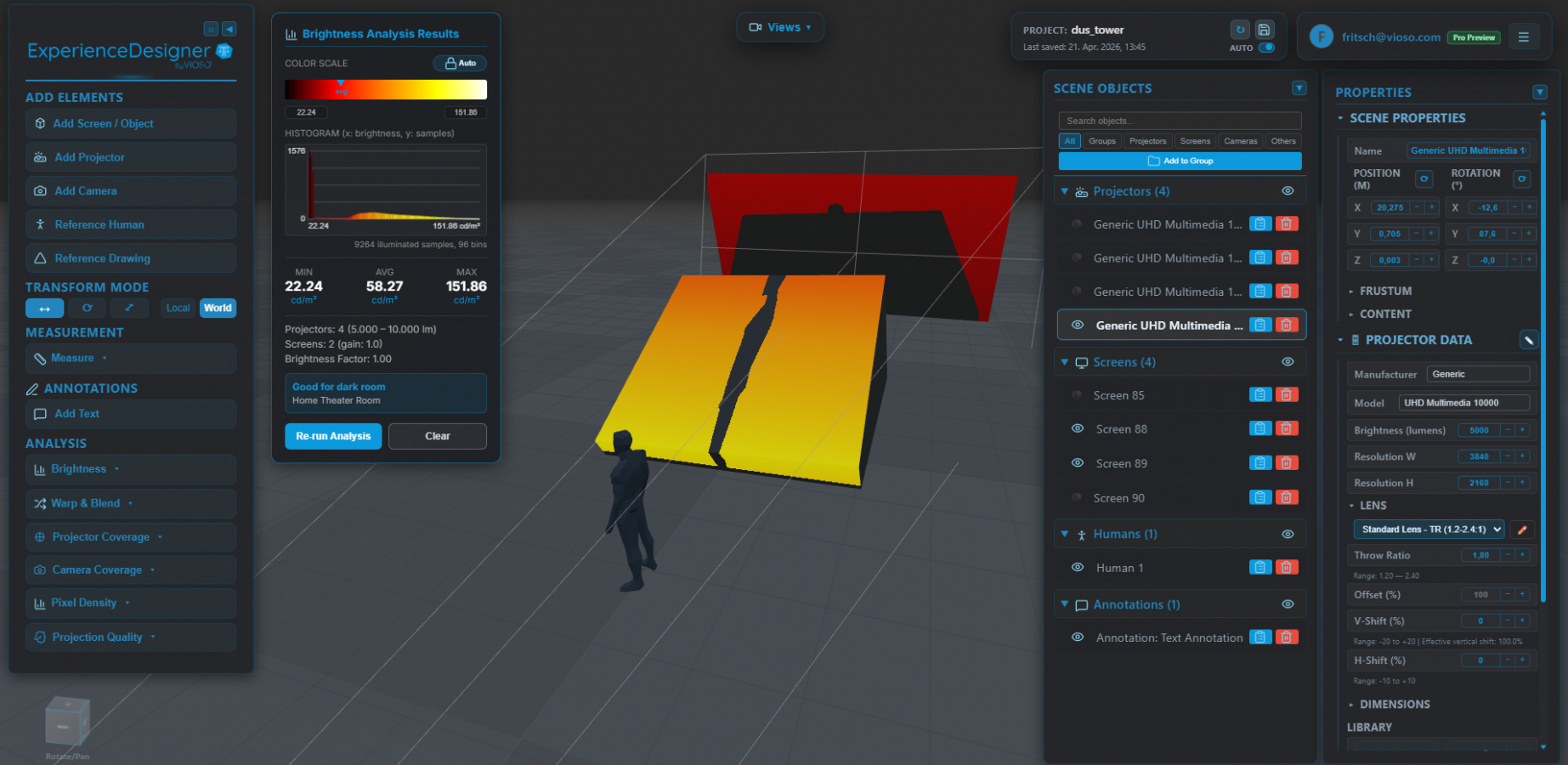
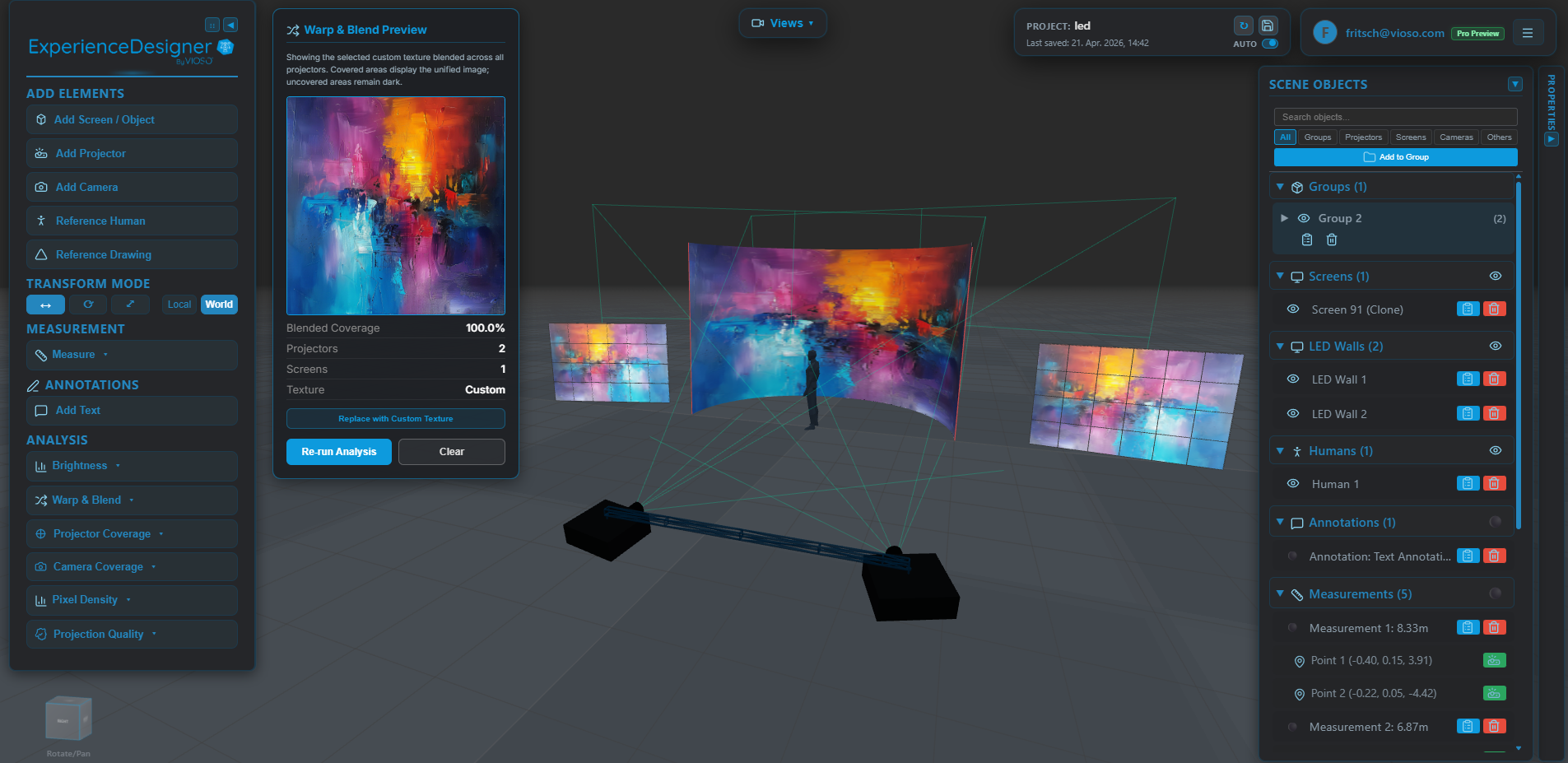
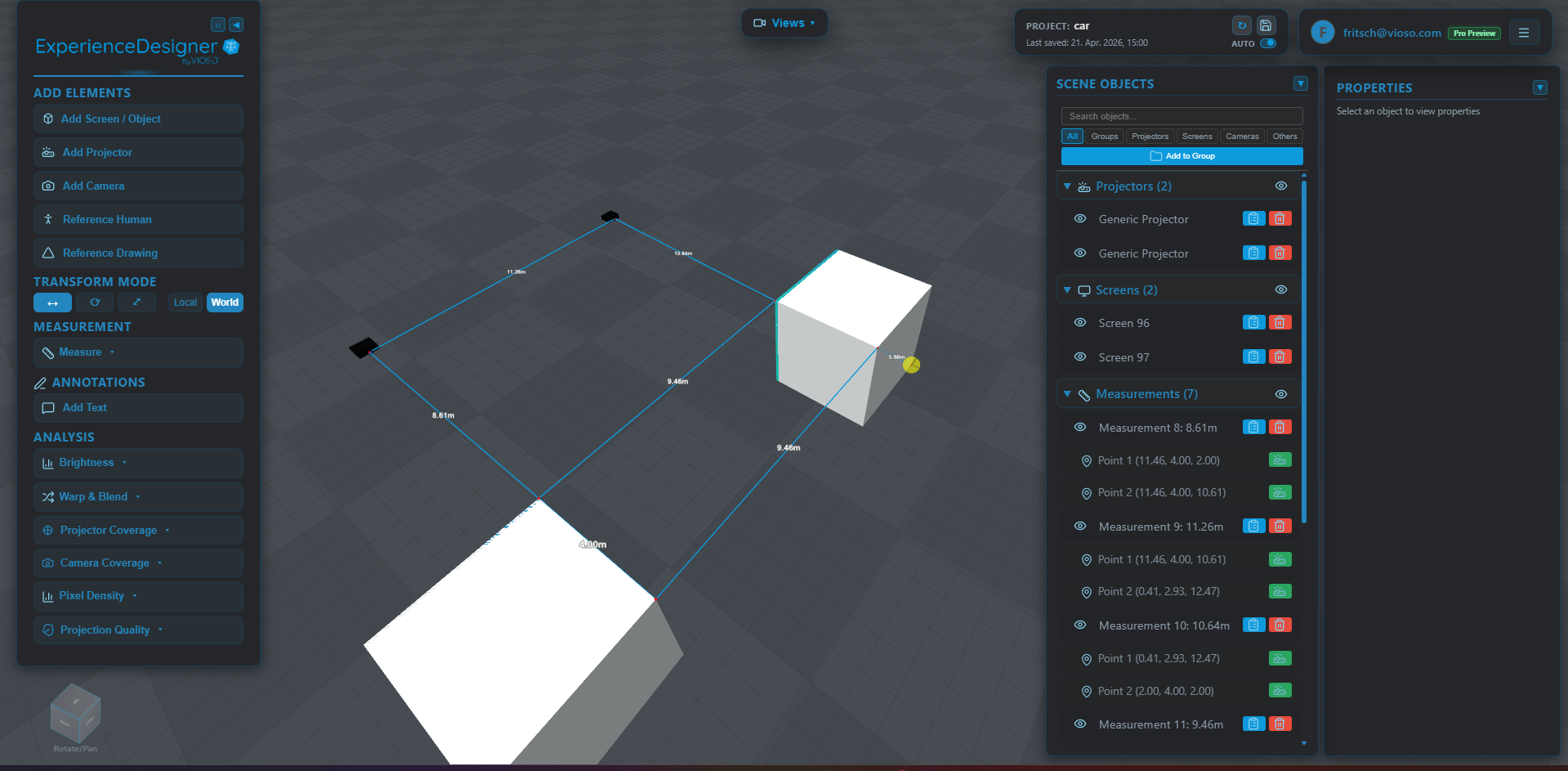
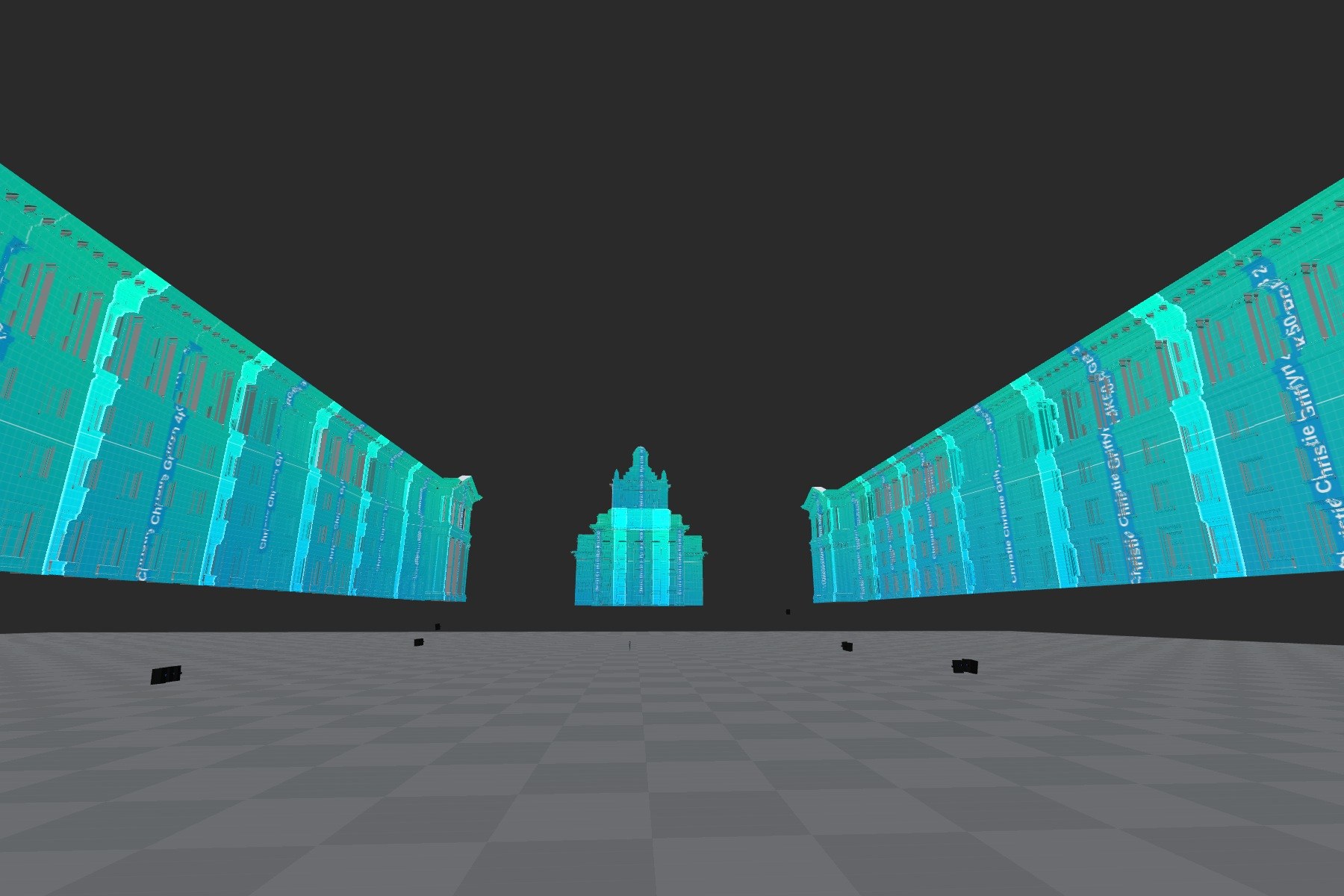
By creating a physically accurate digital representation of the installation environment, Experience Designer enables AV teams to test and refine systems in advance. Designers can import venue geometry, position projectors from manufacturer libraries, and simulate real-world optical behaviour — including lens characteristics, frustum geometry, and brightness falloff.
With experience designer you can:
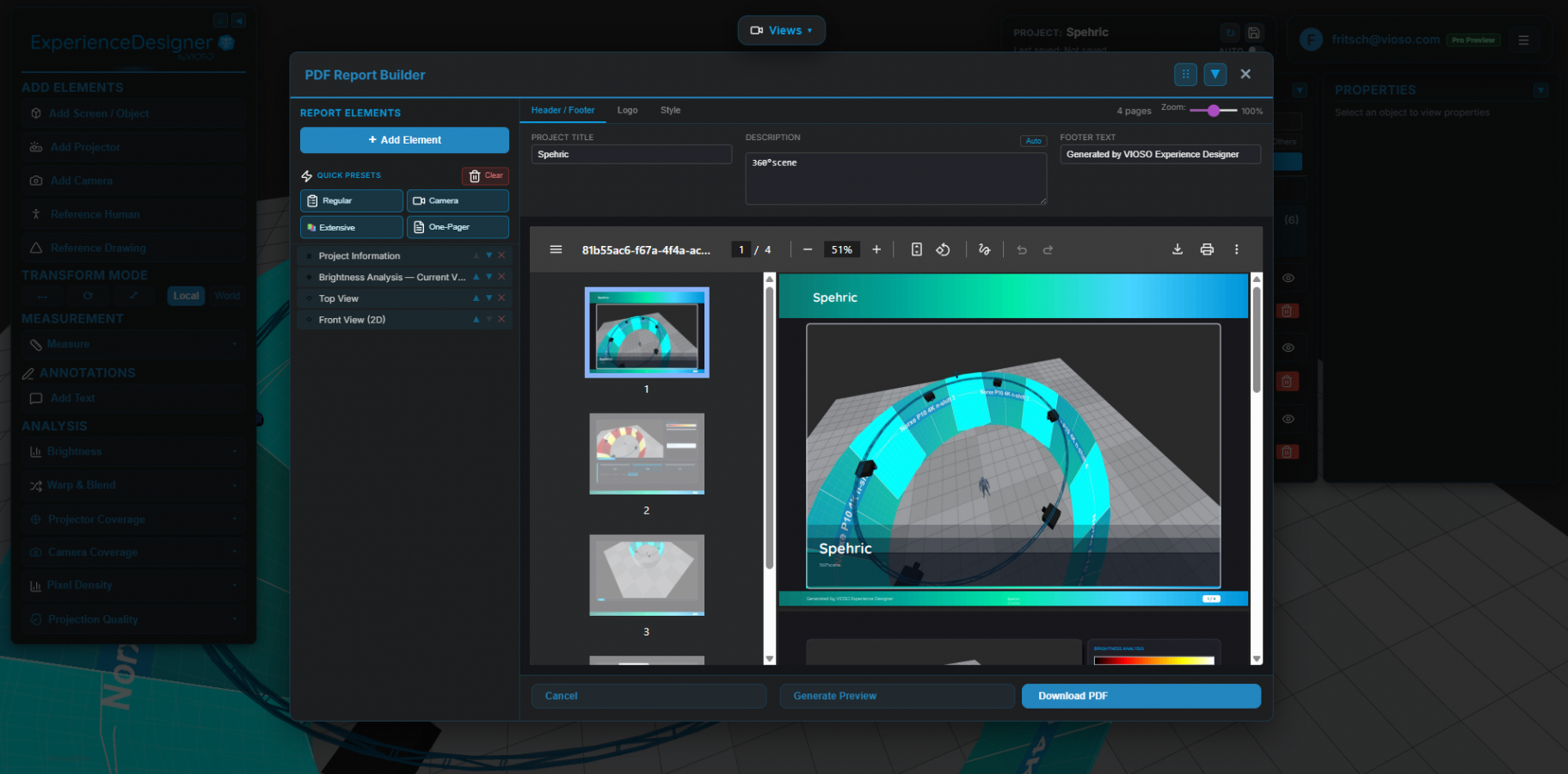
We know that creating design reports can be a time-consuming job, so we built Experience Designer to remove this pain.
Export professional PDF reports with scene screenshots, projector specs, and photometric data. Share project links with clients instantly.
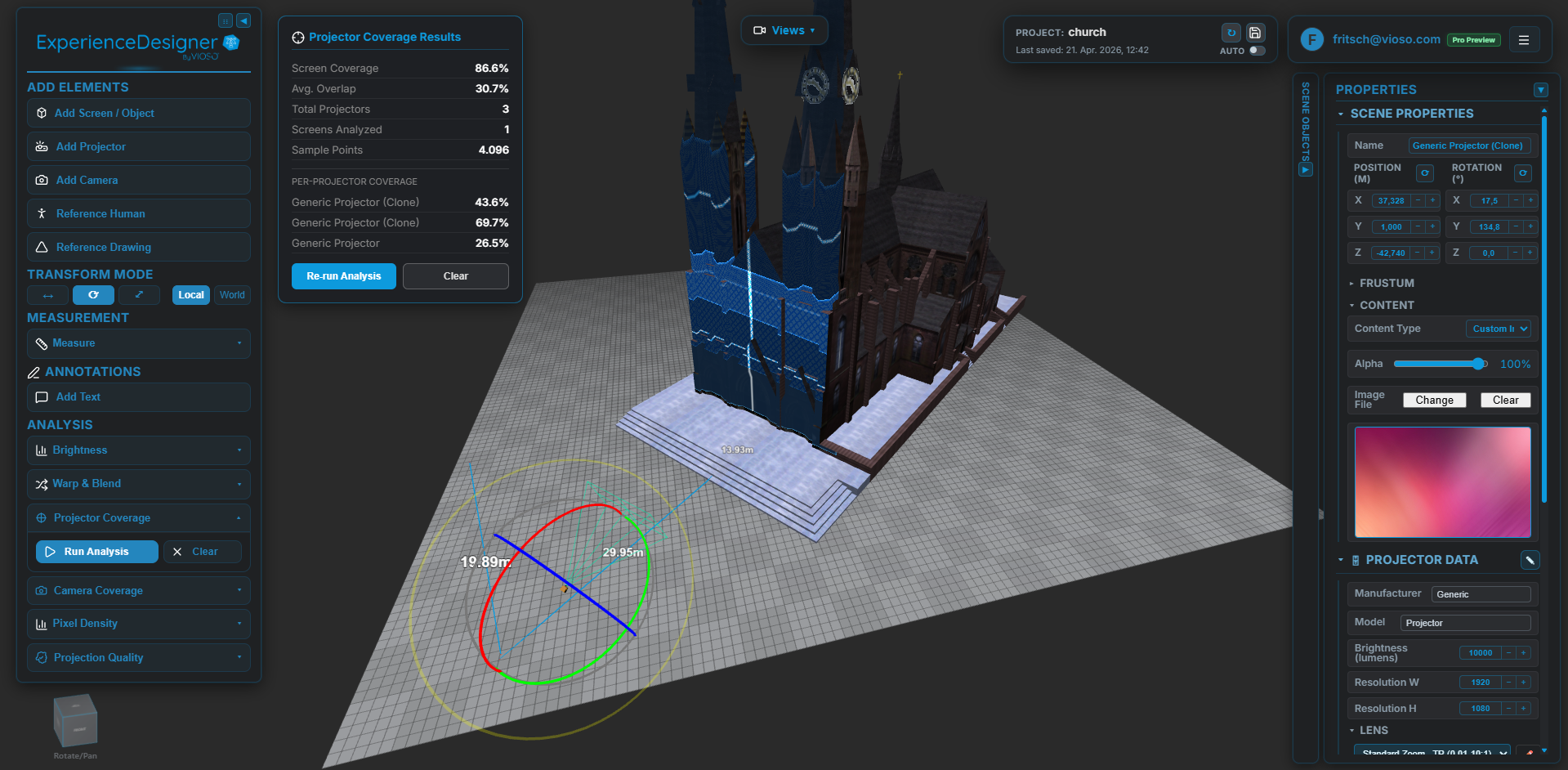
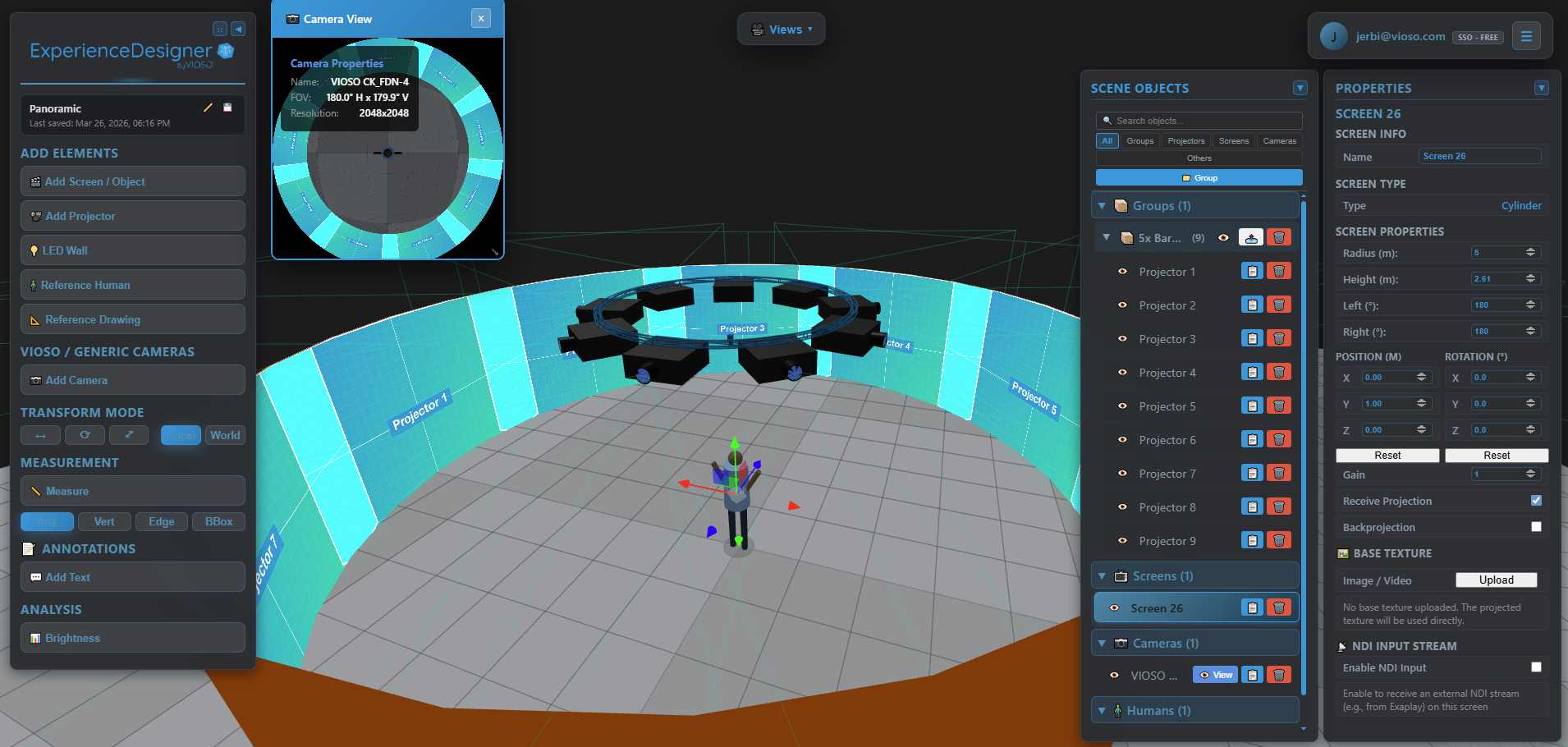
Using real-time GPU rendering and physics-based photometric analysis, users can instantly evaluate:
The cloud-based platform allows AV professionals to design and simulate complex projection systems entirely in a browser.
The platform introduces the concept of a “virtual site survey” for projection installations, allowing designers to test projector placement, brightness levels and potential occlusions before arriving on site.
Experience Designer forms the first stage of the VIOSO projection workflow, which now spans the entire lifecycle of immersive projection systems:
Design → Simulate → Calibrate → Playback
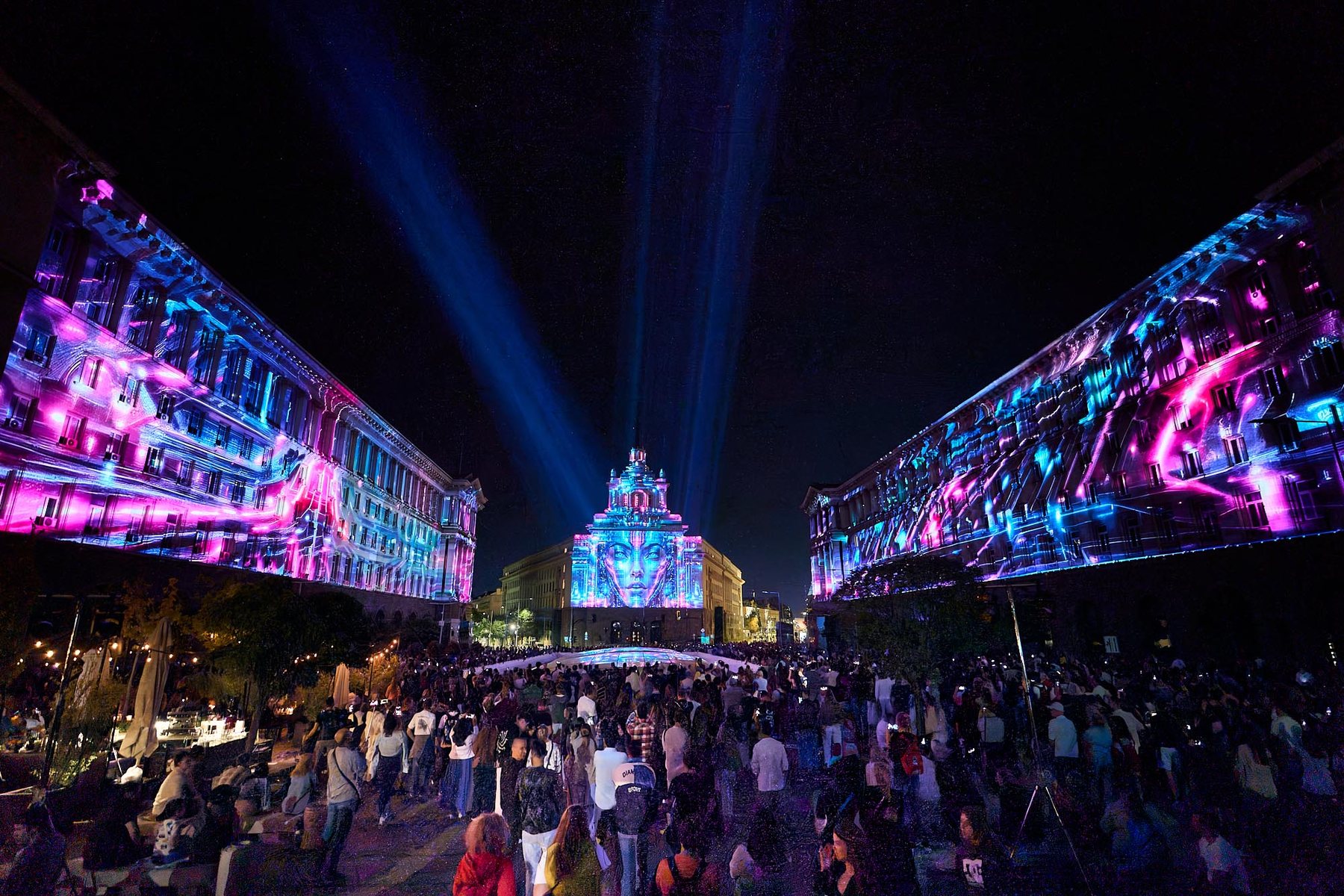
The delivered experience
The Experience Designer plan
Physically accurate simulation of real-world projection systems.
Choosing your planning tools
Throw distance is one part of a projection design. Experience Designer brings the venue, optical performance and technical handover into the same planning environment, without requiring a particular media server.
On smaller screens, scroll the table horizontally to compare the tools.
| Planning requirement | Manufacturer throw tools | Media-server visualisation | Experience Designer |
|---|---|---|---|
| Mixed-manufacturer systems | Separate calculator for each brand | Check the supported hardware | Plan different projector brands in a single scene |
| Installation geometry | Typically a distance or image-size calculation | 3D environment support varies | Import the venue and evaluate the complete layout |
| Light levels and overlaps | Usually a single-projector estimate | Analysis depends on the product | Inspect brightness across surfaces and blended regions |
| Alignment preparation | No system-wide warp and blend preview | Preview tools vary | Preview warp and blend and check calibration-camera coverage |
| Client and engineering handover | Limited calculation outputs | Export options vary | Build PDF reports and share an interactive project |
| Deployment choices | A manufacturer-specific planning step | Commonly part of the server workflow | Browser-based planning with exports for the next stage |
This is a category-level guide. Individual tools differ; check the current capabilities and export support of the products you are evaluating.
Every VIOSO product supports a specific stage of the journey from concept to operation.
Plan and validate the visual experience before installation.
Align, blend and map the real-world system with precision.
Run content reliably across the finished installation.
Choose the calibration solution that best fits your application.