
A320 Full-Motion Simulator Cockpit
MOC Simulation Services used ProjectionTools to calibrate a full-motion Airbus A320 cockpit simulator with a curved multi-projector visual system at Flugsimulator.com in Hamburg.
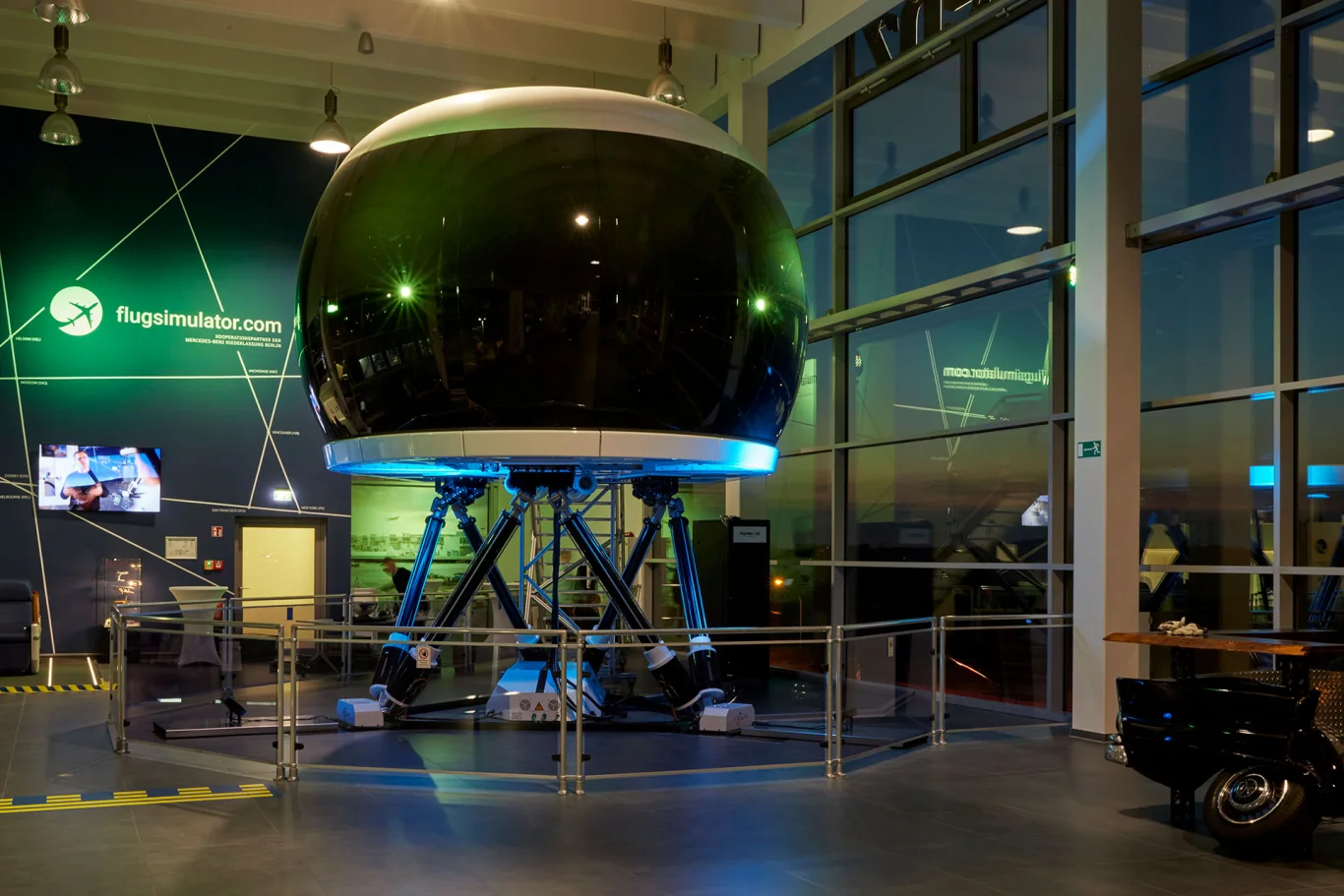
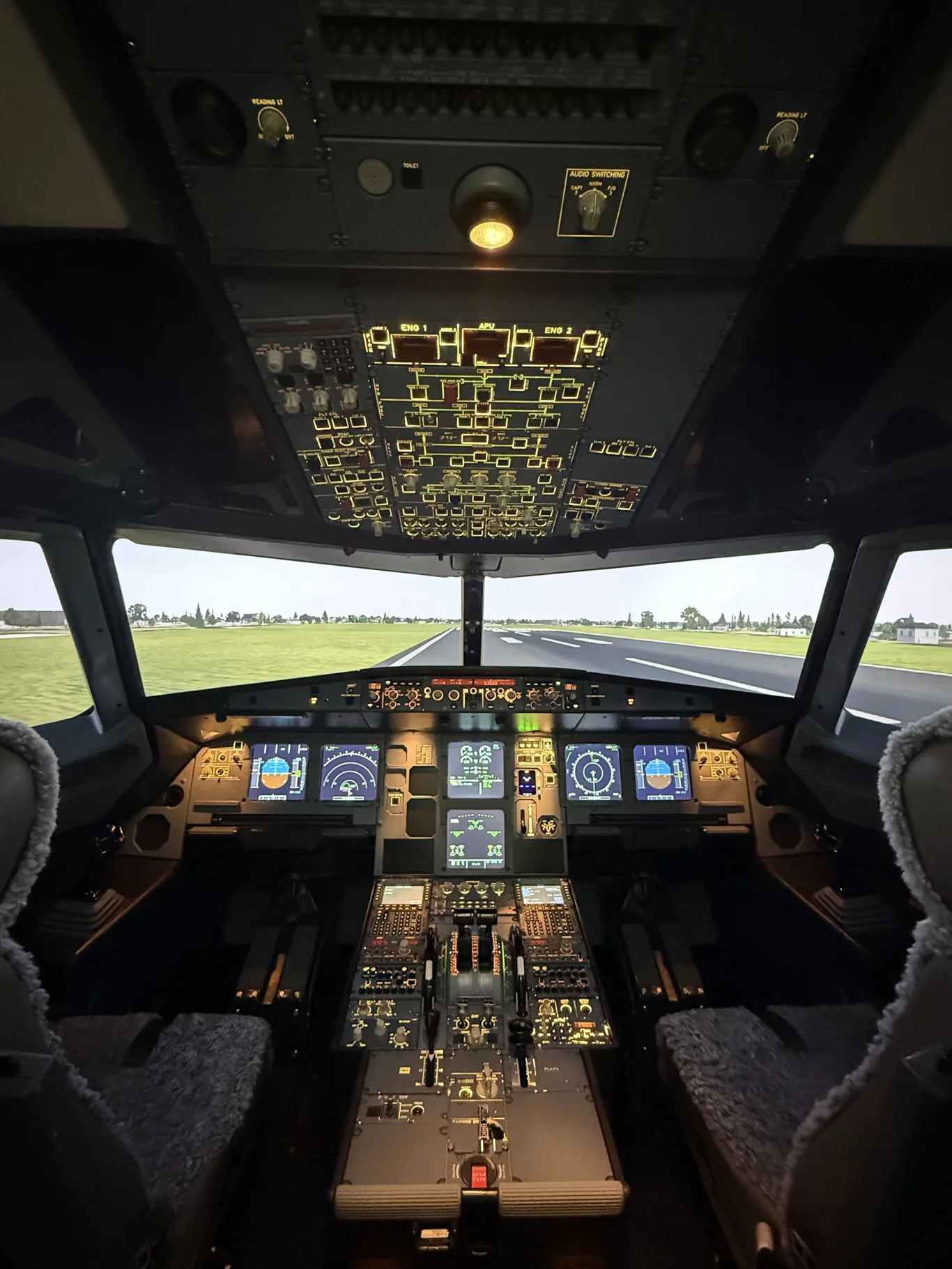
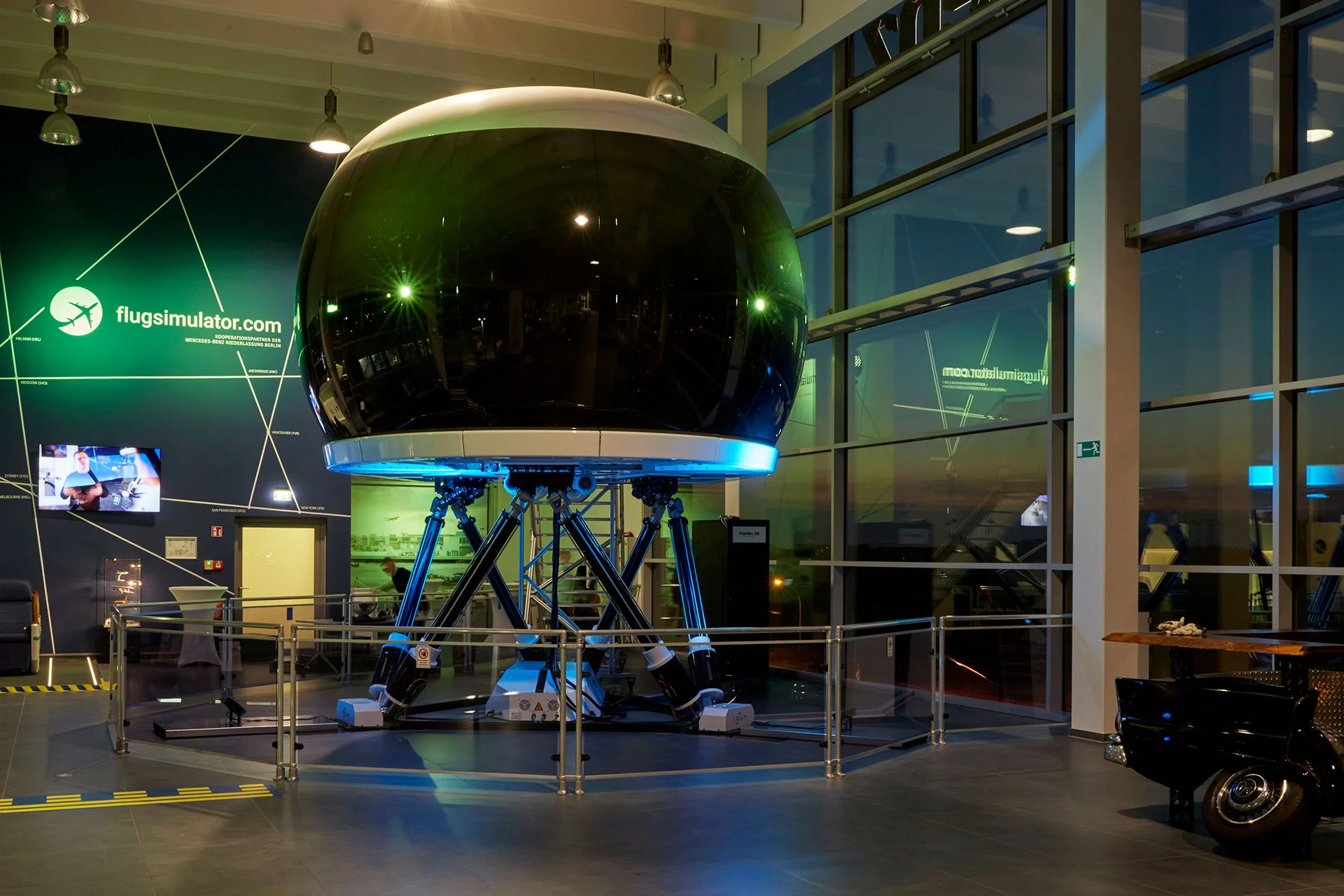
At the full-motion cockpit facility operated by Flugsimulator.com GmbH in Hamburg, the operator commissioned MOC Simulation Services GmbH to manufacture and install a genuine Airbus A320 cockpit, originally part of an A320 airframe, on a high-performance motion platform, paired with a multi-projector display system to deliver highly immersive external visuals.
The visual system required precise geometric alignment across three projectors that together form a seamless wrap-around view. The goal was to achieve flight-level realism inside a confined cockpit shell, matching the visual fidelity and positional accuracy expected from professional simulation environments.
To accomplish this, MOC Simulation Services used ProjectionTools by domeprojection.com, an advanced camera-based auto-calibration software suite designed for curved-screen, dome and motion-platform applications.
Technical overview of the display system
The Hamburg simulator features a full Airbus A320 cockpit shell mounted on a 6-DOF motion platform with a curved projection screen providing a wide-angle field of view around the cockpit windows. Panasonic projectors are used to create a continuous out-the-window scene.
Key system characteristics include a curved projection surface providing more than 180 degrees of horizontal field of view, a multi-channel display with overlapping projectors, full-motion integration where the platform movement must remain visually stable relative to the pilot’s viewpoint, confined geometry requiring precise projection through cockpit windows without overspill or misalignment, and operational maintenance requirements where recalibration may be needed after service intervals or repositioning.
Technical summary
Calibrating the simulator
The projectors were installed and mechanically aligned to cover the surface surrounding the cockpit windows, and a high-resolution calibration camera was rigidly mounted with an unobstructed view of the entire projection area.
The motion platform was set to a neutral position to serve as a geometric reference during calibration.
Using ProjectionTools’ Camera Alignment module, each projector’s field of view was scanned using structured light patterns. The software automatically analysed camera images to build a detailed 3D geometry model of the projection surface, compensating for curvature and projector placement offsets. The resulting data produced precise warp meshes for each channel, ensuring that all projected pixels aligned perfectly with the screen geometry.
The calibration results were exported directly into the simulator’s image generator and display control software using ProjectionTools’ plugin interface. The warp and blend data were applied at the GPU level, ensuring real-time correction without visible latency.
Because the A320 cockpit operates on a Kinnetek 4.2to 6-DOF motion platform, ProjectionTools’ Coordinate System Manager was configured so that all projection data remained stable relative to the pilot’s eye point, even as the simulator pitched, rolled or yawed.